

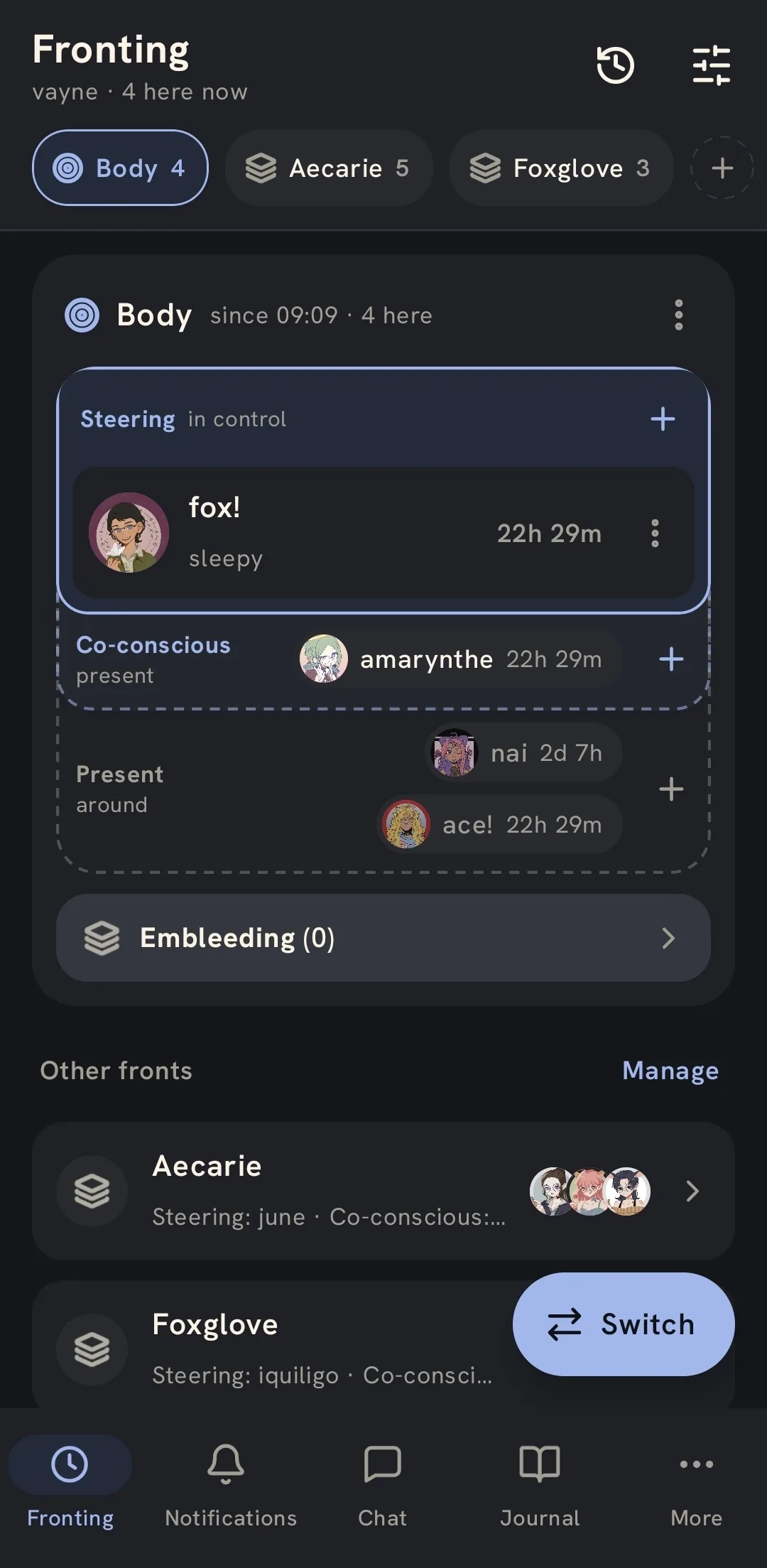
Track your fronting
and switches
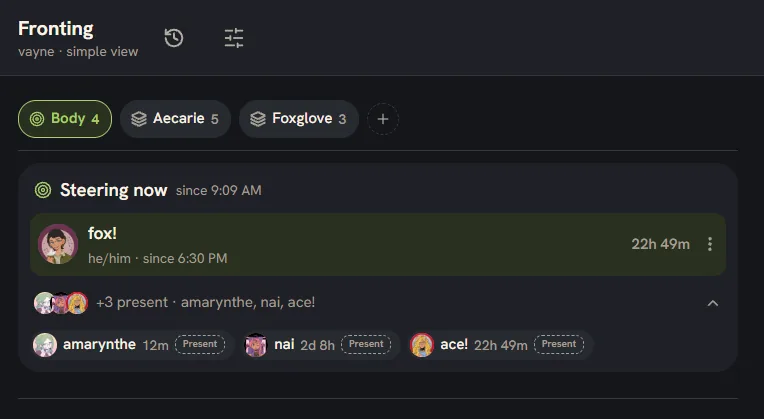
Record complex switches with layers, other fronts, and status messages for fronting
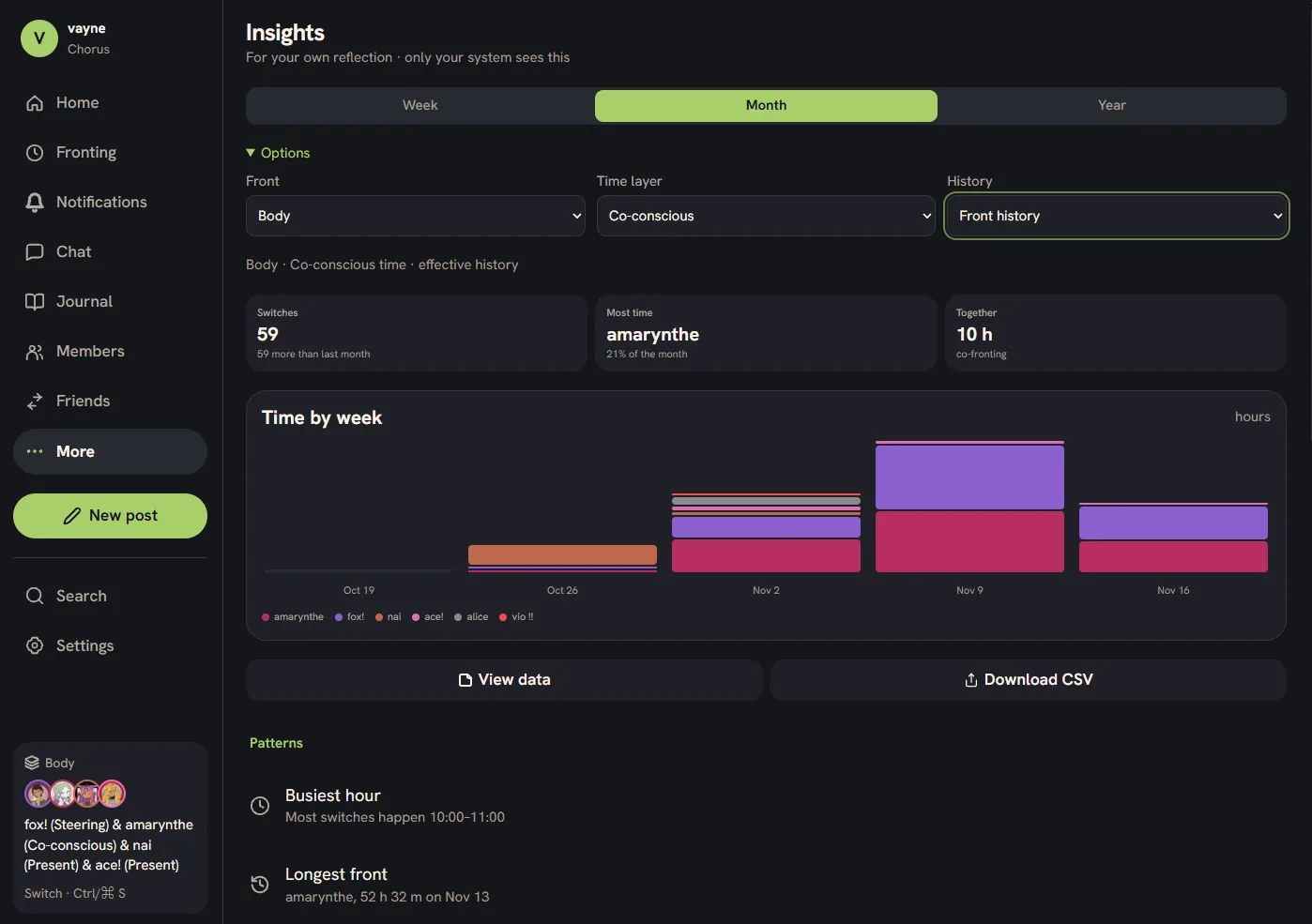
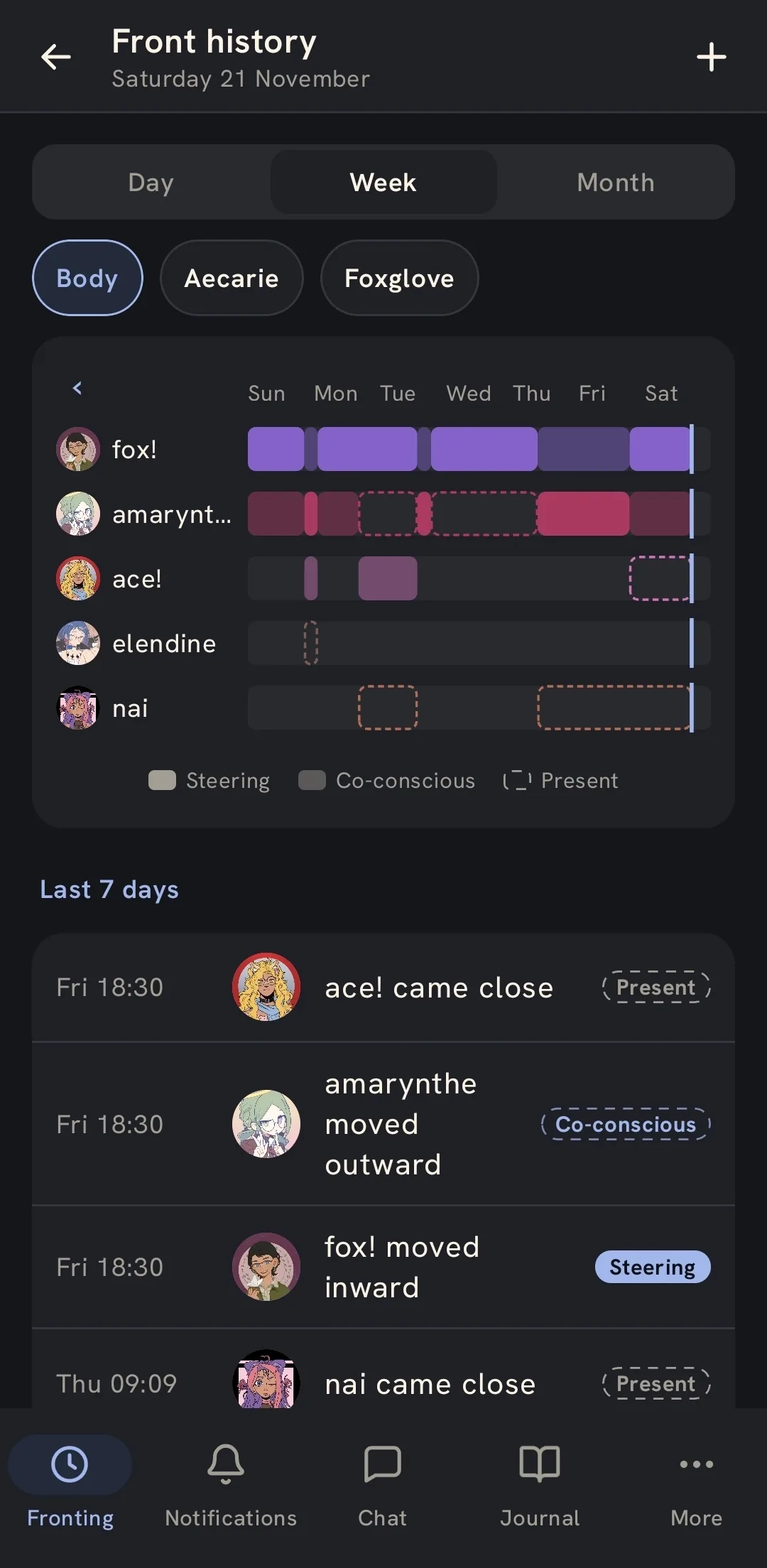
Get insight into who’s spending time where
With a comprehensive log and history, built on the PluralPort standard, get a better idea of what’s going on
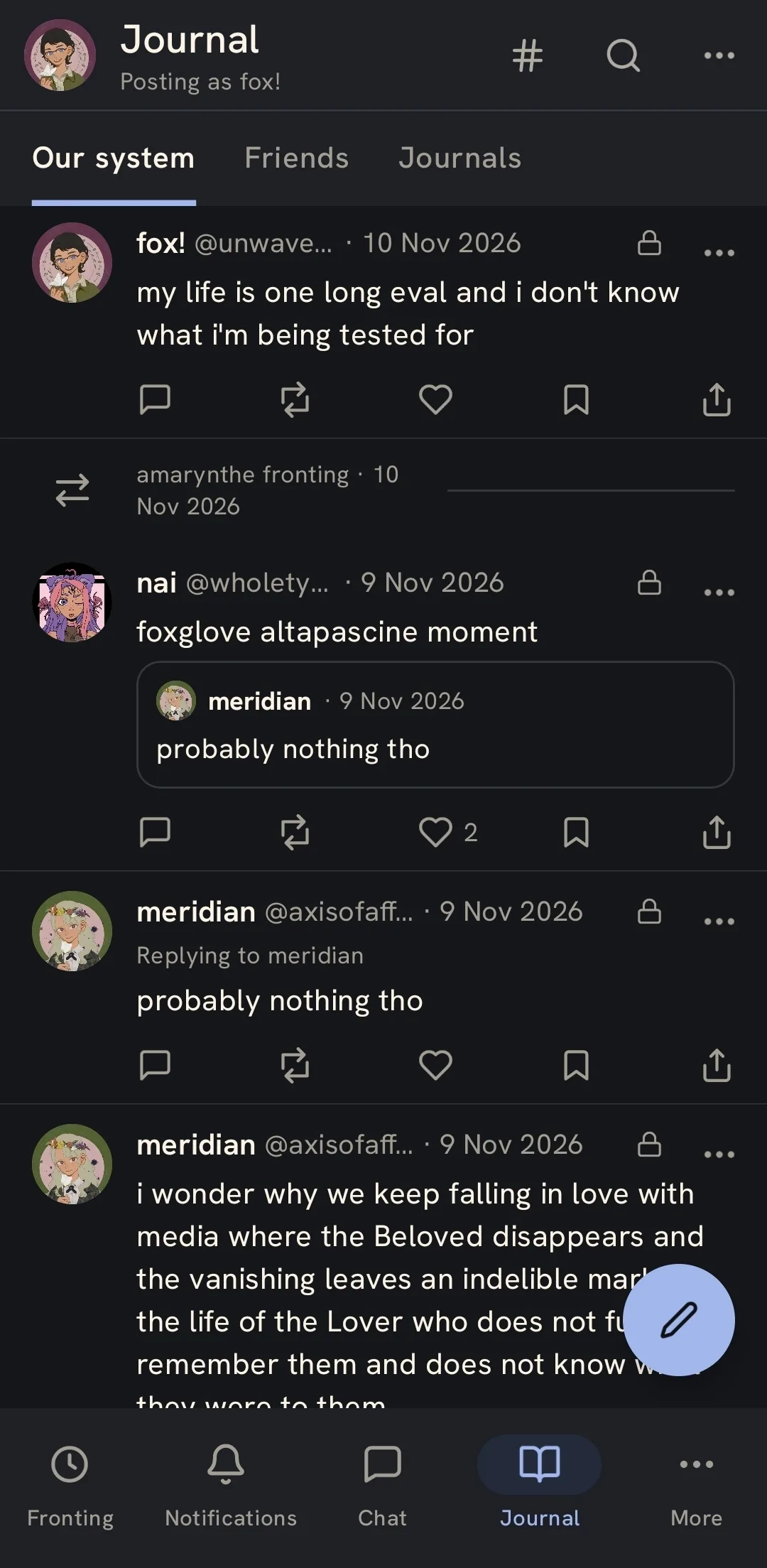
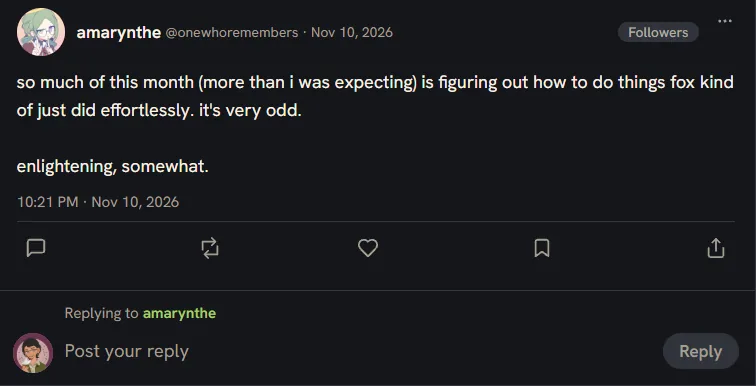
Embrace the ether and write your heart out
Write into your journal by yourself in short tweet-like posts, or write long tirades to save and revisit. Make it public or keep it close to home. Adjust the audience of each post to suit your needs.
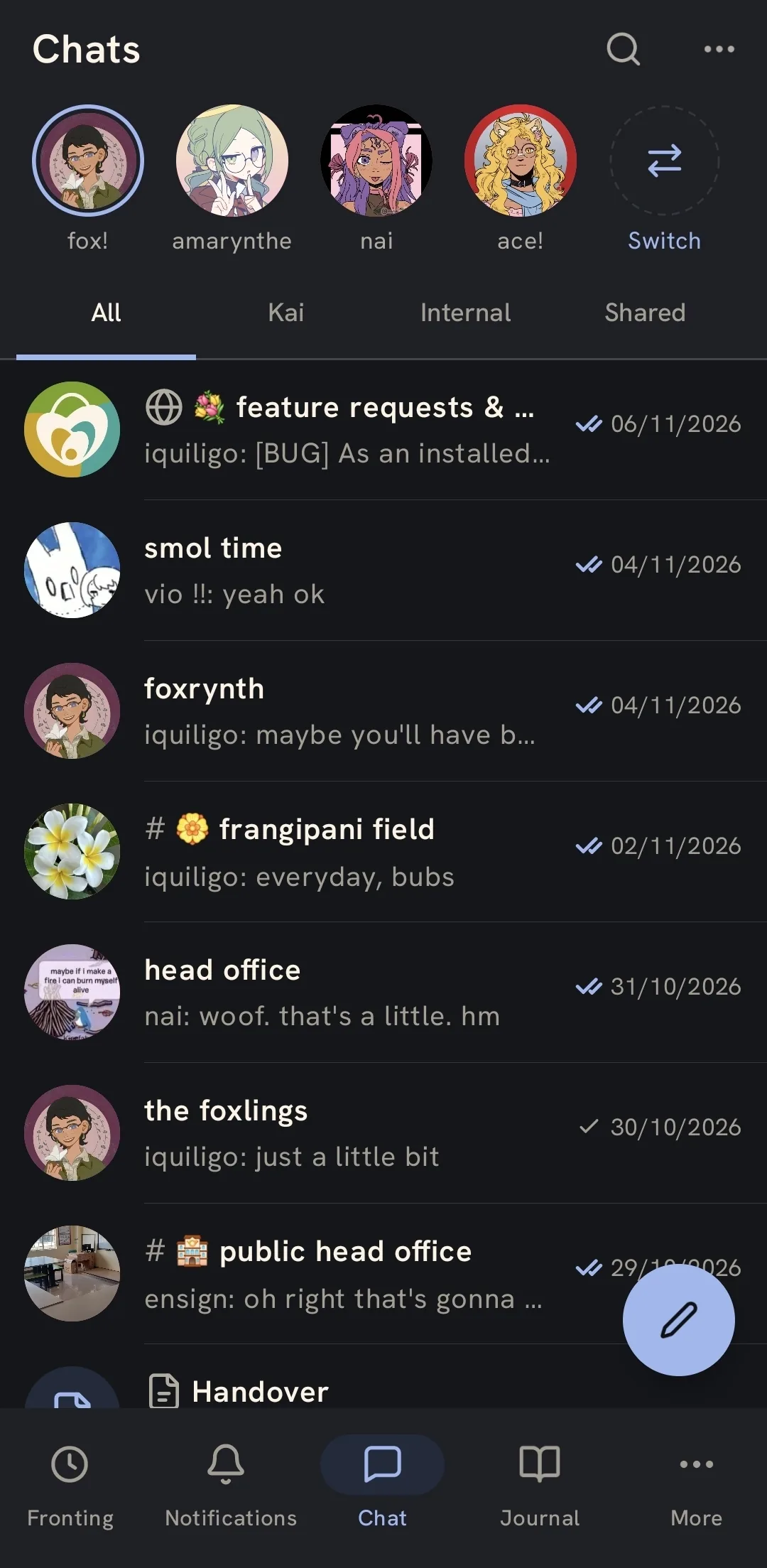
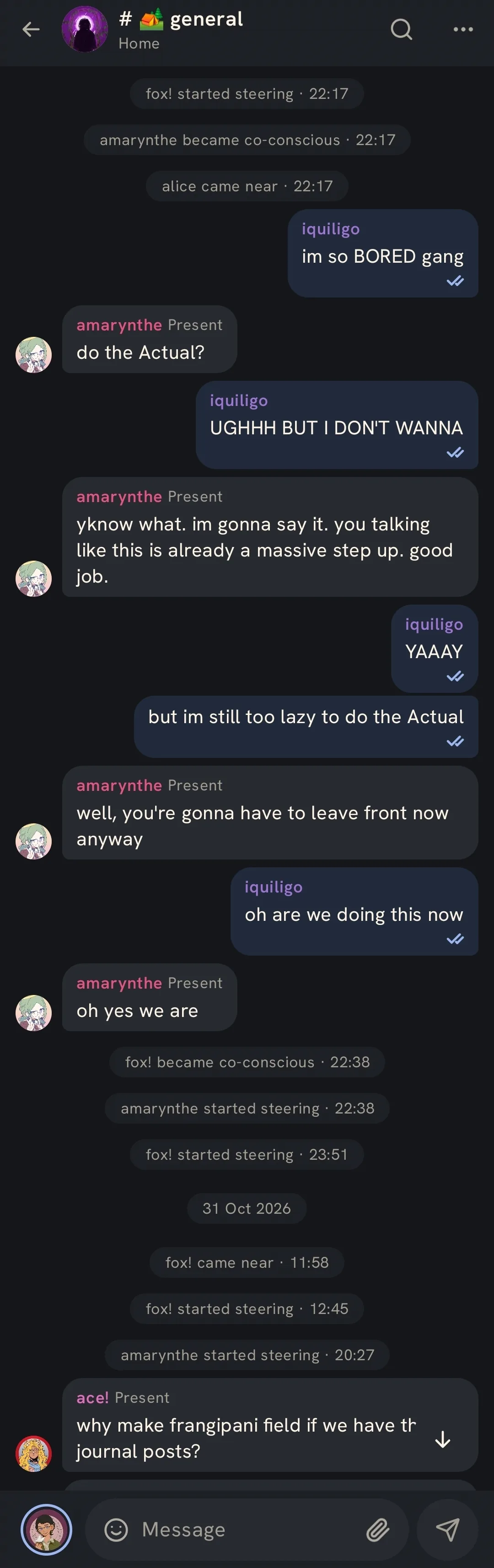
Talk it out, to your selves, to others
Message each other privately, message other systems and friends, speak in private only when a certain somebody is fronting, communicate with each other a little easier.
End-to-end
Encrypted
Your messages and posts are private to you and whoever you’re sharing it with. Whoever owns the server can’t see anything but the public posts.
Works offline and
keep your history
Maintain a full copy of all your data on your devices. Fetch from the server only when you need to. Self-hosted, federated, private to use and maintain.
Flexible and
composable
Record your system as you see it, describe what shape it is in your terms and control permissions accordingly. Customizable, comprehensive.
Two ways to run Chorus
You can run it at home, which means your home computer acts as a server. This usually means you have to set it up with Tailscale to connect with friends.
Good if you only want people close to you on the server.
Run Chorus HomeSelf-Hosted
You can run it on a server that you own. This makes your server accessible to the public internet. This is usually best if you want to socialize with many systems.
Good if you want to run a community or as a service.
Already have a
Chorus server?
Great! Here’s the Android app. On a computer, open your server’s address in a browser. Every server comes with the web app.